+95 (9) 952252591-92-94
INNo City, Corner of Waizayandar and Paryami Rd, Building 104, 23 floor, Yangon, Myanmar
Premium lifestyle brand
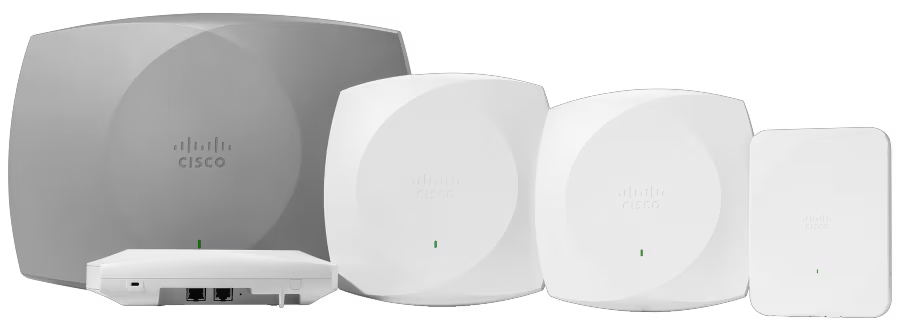
Catalyst 9100 Family of Access Points Description
Catalyst 9100
Description
EWC on Catalyst AP Limitations
The EWC cannot have its Gig 0 interface configured as trunk.
EWC is not supported at all on Wi-fi 6E and Wi-Fi 7 APs
The EWC does not support Switch Virtual Interfaces (SVIs).
The EWC cannot perform central switching.
Gig 0 is the only interface that can be used as a Wireless Manager.
All of the EWC traffic has to be sourced from Gig 0 interface (which includes RADIUS, Control and Provisioning of Wireless Access Points (CAPWAP) control, licensing traffic, and so on).
The EWC cannot perform embedded packet captures.
The EWC does not support APs in sniffer mode.
The EWC image does not boot up if there is another EWC, AireOS, or 9800 Wireless LAN Controller (WLC) in the same broadcast domain. The AP continues to function as a normal lightweight CAPWAP AP until the other WLCs are removed from the network.
When you convert or upgrade the EWC in a deployment with mixed AP models, it is required to have a functioning TFTP server.
EWC is not able to fragment packets (See Cisco bug id CSCwc95321 ).
Switch Configuration
The port where the EWC AP is connected to must be a trunk port with the native VLAN that of the management VLAN.
Example switch configuration:
configure terminal
interface gigabitEthernet 0/1
switchport mode trunk
switchport trunk native vlan 10
Factory Reset
Before you convert the AP, it is best practice to perform a factory reset, even if it is brand new:
Unplug the AP from its power source.
Plug the console cable in and open a serial session on your PC.
Press and hold the Mode/Reset button on the AP.
Plug the AP back to its power source while you continue to hold the Mode/Reset button.
Continue to hold the Mode/Reset button until the prompt on your serial session is displayed.
The console session writes out how long the Mode/Reset button has been pressed for. At least 20 seconds are required for a full restart. The AP boots up and the default credentials Cisco/Cisco can be used to log in the CLI (the web interface credentials are webui/Cisco).
Network Topology
AP Model
Image File Name
AP1815, AP154x
ap1g5
AP180x, AP183x, AP185x
ap1g4
C9115, C9120
ap1g7
C9117
ap1g6
C9130, C9124
ap1g6a
AP380x, AP280x, AP156x
ap3g3
EWC images are provided in the form of a zip file. The zip file contains:
EWC .bin image (example: C9800-AP-iosxe-wlc.bin)
AP image for all APs that can join EWC (example: ap1g4, ap1g7)
Readme.txt file that specifies which image corresponds to which AP model
Note: Make sure to extract the contents of the zip archive to your TFTP server. The AP needs access to these files directly, as it is not able to get them if they are still in an archive.
This table lists all the images and corresponding AP models:
Note: Only Cisco Catalyst 9000 Series APs can run the EWC code. All other APs in the previous table are capable of only joining EWC.